NoteGPT Introduction
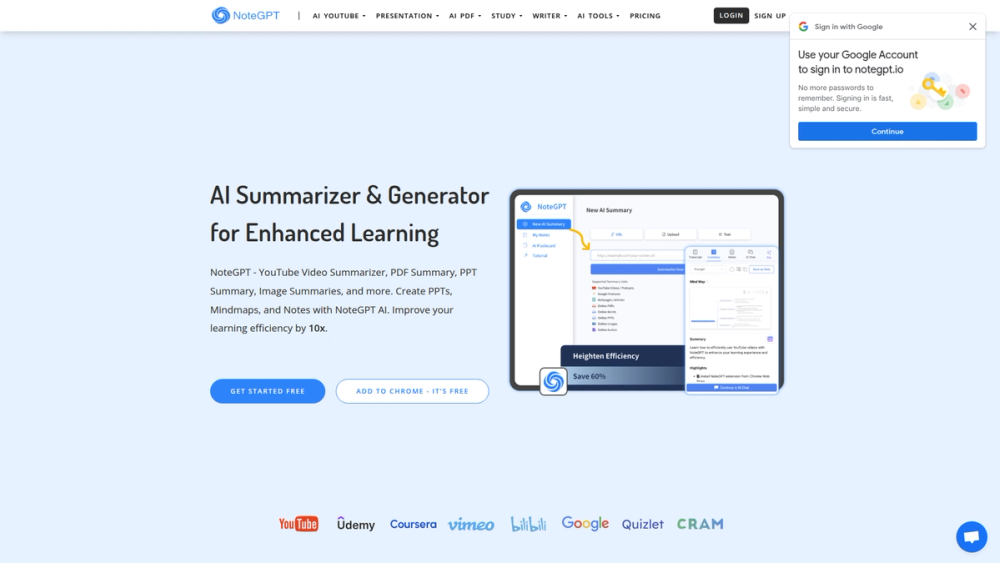
NoteGPT is an advanced AI-powered tool designed to enhance learning efficiency. It provides summarization and generation capabilities for various content types, including YouTube videos, PDFs, articles, and more. NoteGPT allows users to save key insights as personal notes and build an AI-powered library for seamless knowledge management. It aims to save users 60% of their time by offering AI-powered summaries, notes, conversations, and other AI tools.
NoteGPT Features
Summarize Any Content
NoteGPT enables quick summarization of various content types, including:
- YouTube Summaries
- PDF Summaries
- Article Summaries
- PPT Summaries
- Image Summaries
- And more This feature helps users grasp complex content easily.
Generate AI Mind Map
Using NoteGPT AI, users can create mind maps from uploaded content. This helps in understanding the overall structure of information.
Chatting with AI Assistant
Users can engage in conversations with an AI Chat assistant to gain deeper understanding and further explanations of all content.
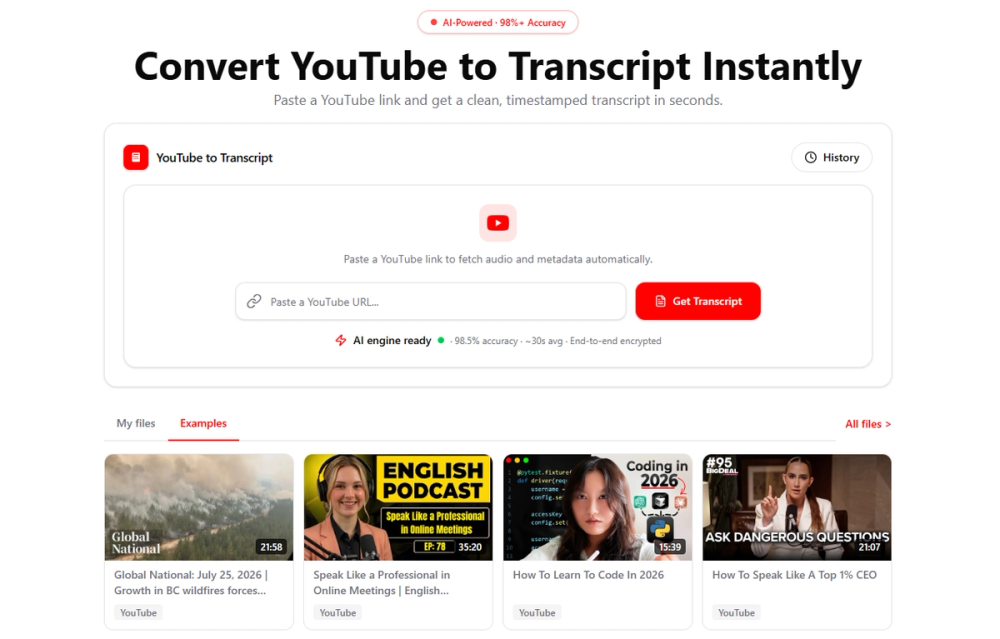
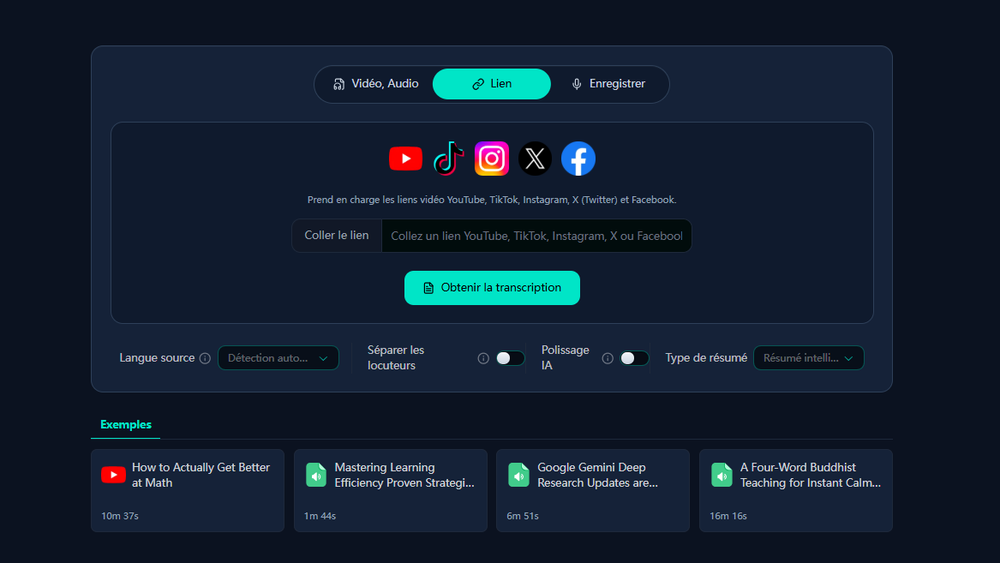
AI Convert to Text (Timestamped Transcript)
With one click, all content can be extracted, including timestamped transcriptions. This enhances accessibility and makes it easy to browse key information.
Note-taking with Auto Snap
While watching videos, users can capture key information using Auto Snap and note-taking features, allowing for recording thoughts and ideas anytime.
Notes Managing with Folders
Notes can be easily located using powerful filters, search, folders, and tags. This feature helps users manage their notes intelligently and build a personal note and flashcard library.
A lightweight Chrome extension
A Chrome extension is available for summarization tasks anytime. It provides a sidebar and embedded panel for one-click access to YouTube Summarizer and Web Summarizer, enhancing productivity.
All AI Tools at Instant Access
Users can choose from various Summarizers (like YouTube Summarizer) and Generators and start smart learning and working with NoteGPT AI in just one click.
Login with Google
Users can log in with Google or install the official Chrome extension.
Open Workspace
Users can summarize content (YouTube videos, PDFs, Images, Audios, etc.), generate mindmaps, and take notes.
Build Personal Library
Users can check Notes and AI Flashcards, organize them using folders, and collaborate by sharing notes.
NoteGPT Frequently Asked Questions
What is NoteGPT?
NoteGPT is an AI study assistant dedicated to all learners. It helps in getting summaries from websites or documents, providing a quick overview of videos, PDFs, audios, and more.
What Summarizers does NoteGPT offer?
NoteGPT provides various summarizers, including:
- YouTube Video Summarizer
- PDF Summarizer
- Word Summarizer
- PPT Summarizer
- Image Summarizer
- Audio Summarizer
- Text Summarizer
- Book Summarizer
- Podcast Summarizer
- Article Summarizer
- And more
What Summarizers does NoteGPT offer?
What is the YouTube Video Summarizer in NoteGPT?
The YouTube Video Summarizer allows users to quickly summarize YouTube videos. It provides transcriptions, mind maps, and AI-powered conversations for better understanding.
What is the YouTube Video Summarizer in NoteGPT?
Can I use the PDF Summarizer for legal documents?
Yes, the PDF Summarizer is useful for legal documents. It helps in evaluating contracts and other legal texts, highlighting key points for efficient review.
Can I use the PDF Summarizer for legal documents?
Could I see public study notes from NoteGPT?
NoteGPT is working on an AI Note Library that will offer high-quality study notes and video summaries from selected users.
Could I see public study notes from NoteGPT?
How much does a subscription to NoteGPT cost?
NoteGPT AI Service is free with limited usage. Each AI service consumes one quota. After using 15 quotas, users need to upgrade to a paid plan for additional quotas. Paid plans offer more stable service, faster responses, and customer support. Visit the NoteGPT pricing page for more information.
How much does a subscription to NoteGPT cost?
How do I cancel my subscription?
Users can cancel their subscription by logging into their account on the Workspace, and then sliding the mouse over their avatar in the bottom left corner of the page, where they will find the unsubscribe button.