Overview
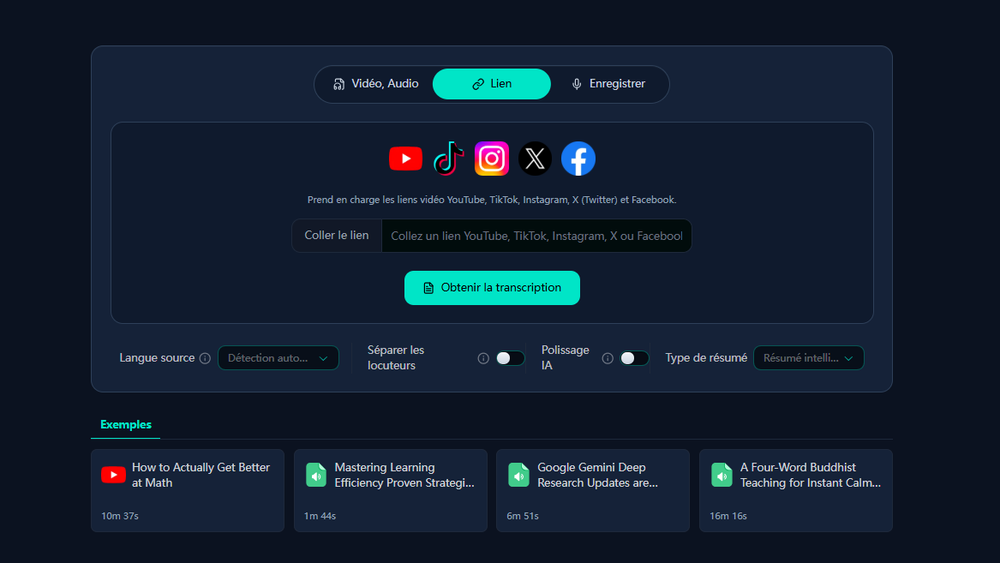
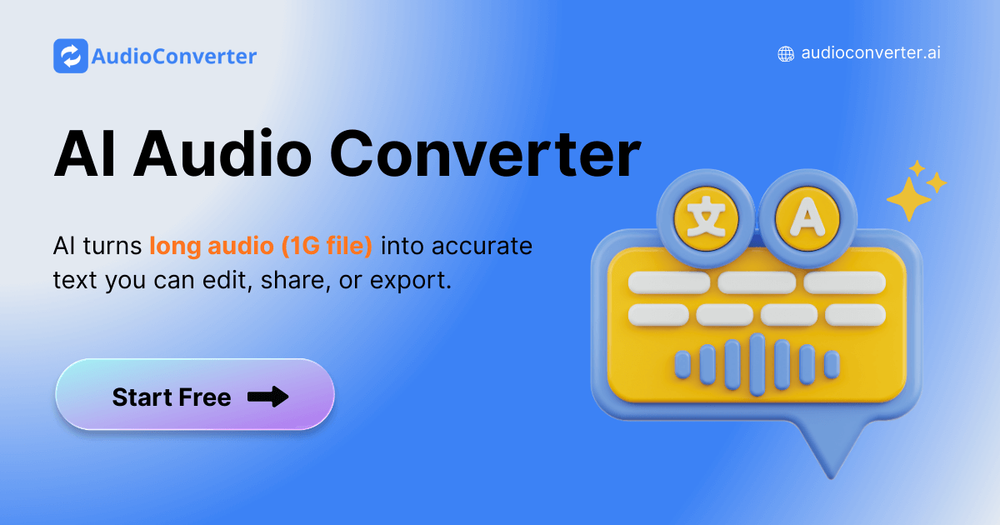
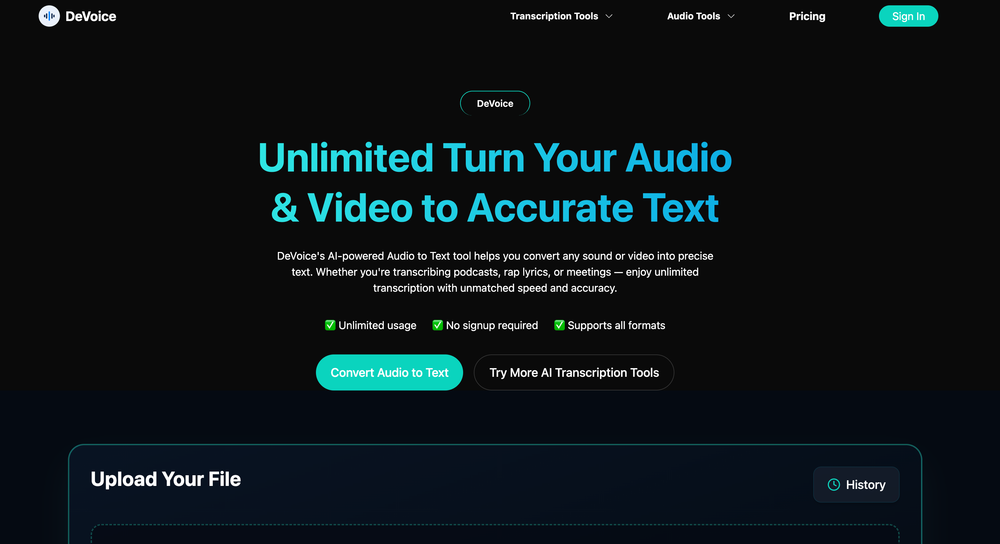
DeVoice is a comprehensive AI-driven audio suite designed to streamline the process of converting media into text. It provides users with a fast, accurate, and unlimited transcription service that supports both audio and video files. Beyond transcription, the platform offers specialized tools for audio enhancement and creative writing, making it a versatile choice for professionals and creators alike.
Key Features
- Unlimited AI Transcription: Convert any sound or video file into precise text without hidden limits.
- Audio Enhancement: Features a dedicated background noise remover and AI noise filter to ensure crystal-clear sound quality.
- AI Rap Generator: A unique creative tool that helps users generate personalized rap lyrics and rhymes in minutes.
- Broad Format Support: Compatible with all major media formats including MP3, WAV, MP4, MOV, M4A, and AAC.
- Privacy-First Processing: Files are processed securely and automatically deleted after conversion to ensure user data protection.
- Flexible Exporting: Transcripts can be edited within the platform and exported as TXT, DOCX, PDF, or SRT files.
Use Cases
- Podcasters & Content Creators: Quickly generate show notes, subtitles, and written content from recorded episodes.
- Business Professionals: Transcribe meetings, interviews, and memos to boost productivity and documentation.
- Musicians & Artists: Use the AI Rap Generator for songwriting and the noise filter to clean up vocal tracks.
- Students & Educators: Convert lectures and academic recordings into searchable text for better study habits.
FAQ
- Is DeVoice's transcription really unlimited? Yes, you can upload and transcribe as many audio or video files as you need without hidden restrictions.
- Do I need to create an account to use it? No, DeVoice allows you to start transcribing immediately without a mandatory signup process.
- What file sizes are supported? The free version supports files up to 500MB, while premium credits allow for unlimited file sizes.
- Can I use DeVoice for video subtitles? Yes, by exporting your transcript in SRT format, you can easily add captions to your video projects.
- How long does the transcription process take? Most files are processed in just a few minutes thanks to high-speed AI technology.