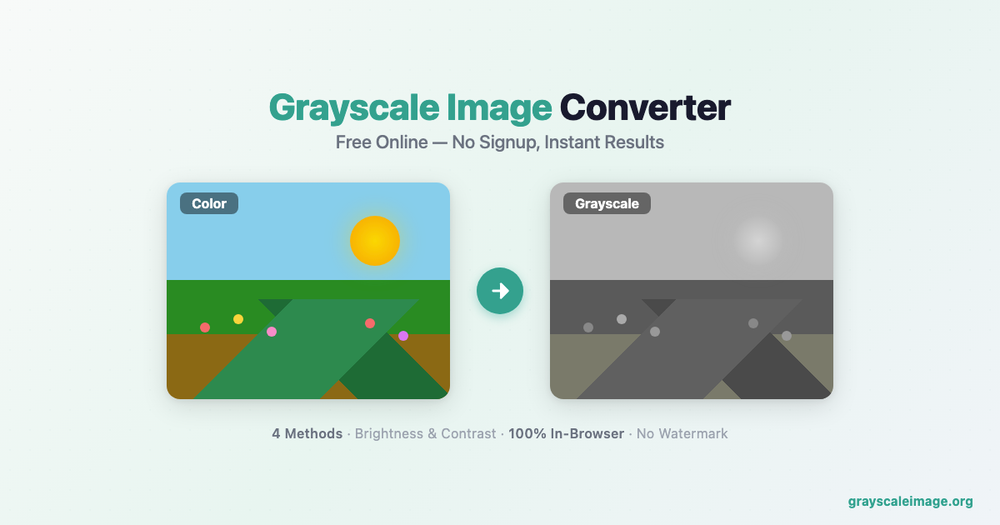
Overview
Grayscale Image Converter is a specialized web-based utility that allows users to transform color photographs into high-quality monochrome images. By utilizing advanced algorithms, the tool provides precise control over how colors are desaturated, making it suitable for both artistic photography and technical applications like machine learning preprocessing.
Key Features
- Professional Algorithms: Includes four distinct conversion methods: Weighted (ITU-R BT.709), Average, Maximum, and Minimum.
- Privacy-Focused: All processing occurs locally within the user's browser. Images are never uploaded to a server, ensuring total data security.
- Advanced Adjustments: Real-time sliders for brightness and contrast allow for fine-tuning the tonal range of the output.
- No Limitations: The service is completely free, requires no signup, and produces images without watermarks.
- Developer Friendly: Provides CSS code snippets for implementing grayscale filters directly into web projects.
- Multi-Format Support: Works with JPG, PNG, and WebP formats up to 10MB, covering all common image types.
- Instant Preview: See the grayscale result in real time before downloading, so you can adjust settings to get the perfect output.
Additional Image Tools
Beyond grayscale conversion, the platform offers a full suite of free image processing tools:
- Sepia Filter: Add warm, vintage-style brown tones to your photos for a classic nostalgic look.
- Vintage Filter: Apply film-inspired effects including color fading, grain, and vignetting for an authentic retro aesthetic.
- Black & White Converter: Convert images to pure black and white with customizable threshold controls.
- Dithering Effect: Create pixel-art style or newspaper-print effects using various dithering algorithms.
- Halftone Effect: Simulate classic print halftone patterns with adjustable dot size and angle.
- Duotone Effect: Map two custom colors across the tonal range for striking editorial-style imagery.
- Posterize Image: Reduce color levels to create bold, poster-like graphics.
- Blur Image: Apply Gaussian or box blur for background softening or privacy masking.
Use Cases
- Photography: Stripping away color to focus on composition, texture, and mood.
- Computer Vision: Reducing image data from three channels to one to speed up AI training and inference.
- Medical Imaging: Enhancing the visibility of structural details in scans and X-rays.
- Web Design: Creating visual hierarchy or interactive hover effects using desaturated background elements.
- Print & Publishing: Preparing images for monochrome printing to reduce ink costs while maintaining visual impact.
- Social Media Content: Creating cohesive, aesthetically consistent feeds with uniform grayscale or filtered imagery.
- Education: Teaching students about color theory, image processing algorithms, and digital photography fundamentals.
How It Works
- Upload your image by dragging and dropping or clicking to browse files.
- Choose a conversion algorithm that best suits your image type.
- Adjust brightness and contrast sliders to fine-tune the result.
- Preview the output in real time directly in your browser.
- Download the final image in your preferred format — no watermarks, no limits.