Overview
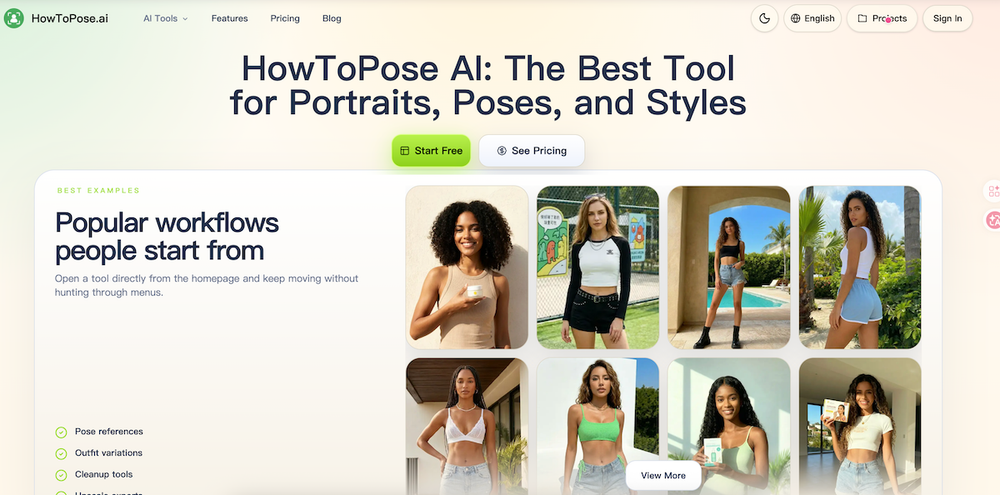
HowToPose AI is a comprehensive AI-powered workspace designed for professional portrait editing and visual content creation. It provides a suite of tools that allow users to refine poses, swap clothing, and extend compositions, ensuring a seamless workflow from initial concept to final delivery.
Key Features
- AI Pose Generator: Modify body positions, hand placements, and expressions without reshooting.
- AI Clothes Changer: Experiment with different outfits and styling while maintaining subject consistency.
- AI Image Extender: Expand images into wider or taller formats to fit various layout requirements.
- AI Image Editor & Upscaler: Remove watermarks, clean up distracting details, and enhance image resolution for professional use.
- AI Photo to Sketch: Transform real photos into artistic pencil or watercolor sketches.
Use Cases
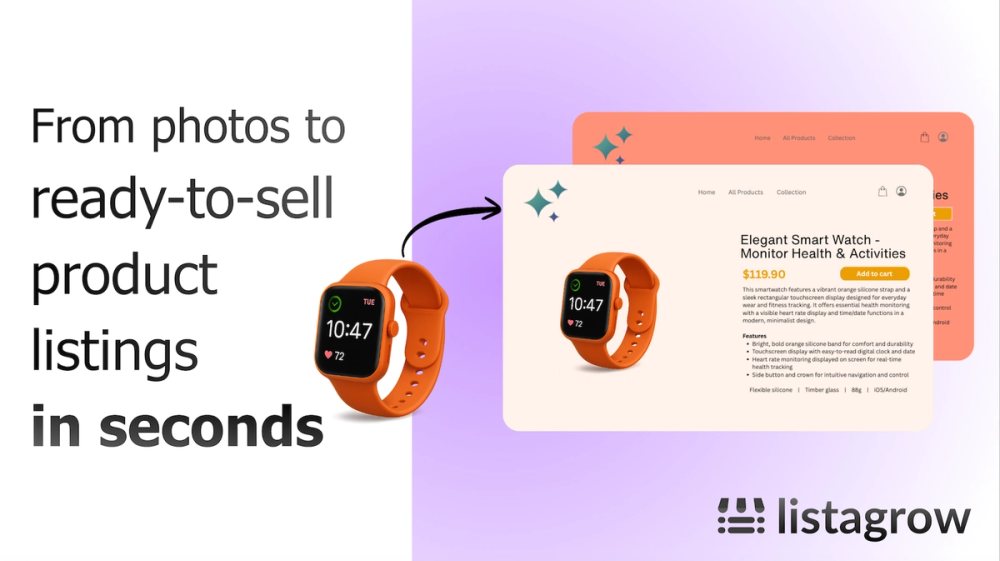
- E-commerce & Fashion: Testing multiple wardrobe options and poses for product pages and lookbooks.
- Social Media Management: Adapting a single portrait for multiple platform aspect ratios and styles.
- Brand Photography: Refining professional portraits by adjusting minor details like eye lines and shoulder turns.
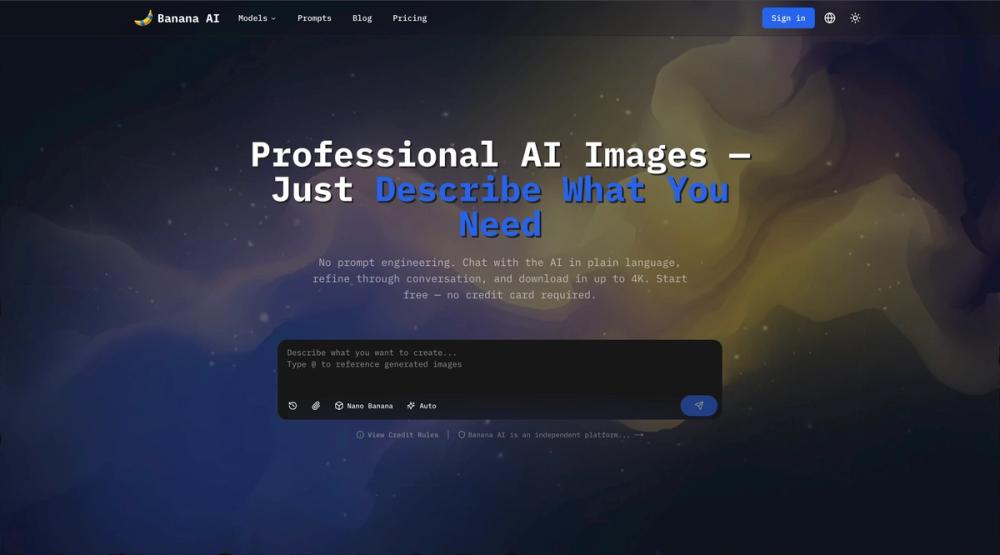
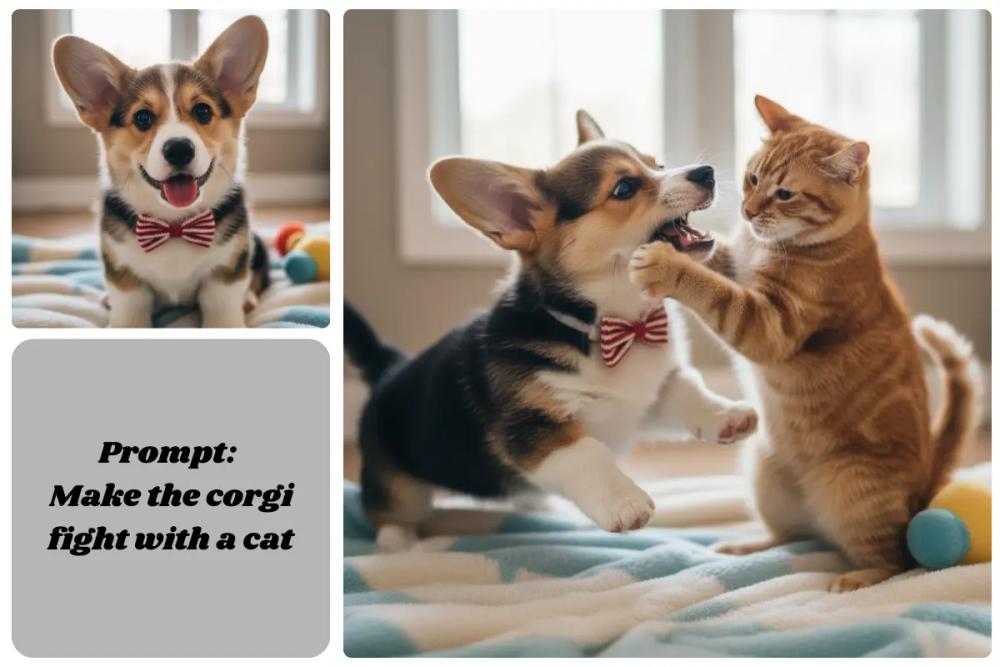
- Creative Prototyping: Quickly generating and iterating on visual concepts using text-to-image and image-to-image tools.
FAQ
- Can I change the pose of an existing photo? Yes, the AI Pose Generator allows you to adjust body positions and expressions in your uploaded images.
- Does it support outfit changes? Yes, the AI Clothes Changer lets you swap clothing styles while keeping the subject recognizable.
- Can I resize images for different platforms? Yes, the AI Image Extender can expand your photos into wider or taller formats for various social media layouts.
- Is there a tool for cleaning up images? Yes, the suite includes an AI Watermark Remover and an AI Image Editor to remove distractions.
- Can I generate images from text? Yes, it includes a Free AI Image Generator for creating visuals from text prompts.