Same Introduction
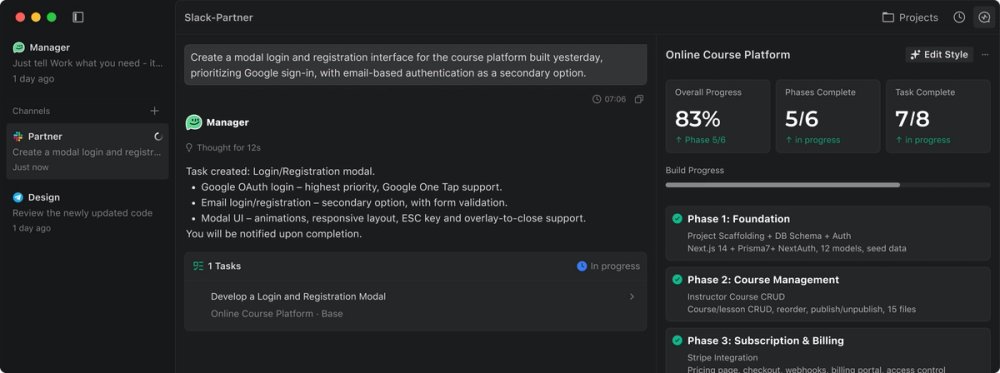
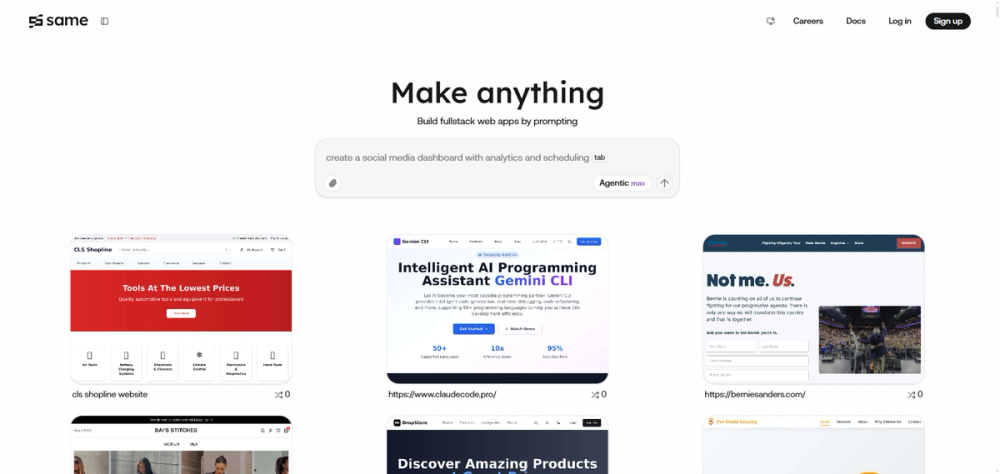
Same is an AI-powered platform designed to help you build, iterate on, and manage websites and web applications. It simplifies the process by allowing you to describe what you need, and Same handles the rest.
Same utilizes the Next.js framework, which enables full-stack development. This means you can manage both the frontend and backend within a single codebase. This approach allows for the creation of complete, scalable applications without the complexity of managing separate frontend and backend systems.
Same Features
Key Features
- React-based frontend development: Uses React for building user interfaces.
- API routes for backend logic: Enables server-side functionality.
- Built-in TypeScript/JavaScript support: Supports both languages natively.
- Easy integration: Simplifies connecting to databases, authentication providers, and payment platforms.
- Production-ready deployment options: Offers options for deploying your application.
Supported Languages
Same primarily supports JavaScript and TypeScript due to its foundation in Next.js. While other languages can be used, the platform works best within the JavaScript/TypeScript ecosystem.
Web Applications, Not Native Mobile Apps
Same is designed for web applications, but you can create responsive web apps that work well on mobile browsers. You can also create Progressive Web Apps (PWAs) for a more native-like experience. It allows to generate mobile-optimized designs and layouts.
Working with WordPress
Same is not directly compatible with WordPress because it uses a different architecture. If you're looking to transfer a Same project to WordPress, you have these options:
- Download your code and deploy it independently.
- Manually recreate your design in WordPress.
- Use Same to generate static HTML/CSS that you can adapt for WordPress themes.
Same Frequently Asked Questions
How to Change Your Subscription Plan
- Go to same.new/settings.
- Click “Upgrade Plan”.
- Select your new plan.
- Complete the payment.
After changing plans, you'll be billed immediately, and your new tokens will arrive within minutes. Unused tokens from your previous plan will be credited and used first, and your billing cycle will reset to your new plan's schedule.
How to Cancel Your Subscription
Visit your settings page and click the cancellation button. Your subscription will remain active until the end of the current billing period, after which your account will revert to the Free plan. Note that you may still incur charges for token usage that exceeds your subscription limits after cancellation.
Refund Policy
Subscriptions are final and non-refundable. However, compensation may be offered for serious technical issues, platform outages, or service disruptions. To request assistance, email [email protected] with a detailed description of the issue, screenshots, a project link (if applicable), and a timeline of when the issue occurred.
Token Rollover
No, tokens do not roll over. All unused tokens expire at the end of each billing cycle for all subscription plans.