Overview
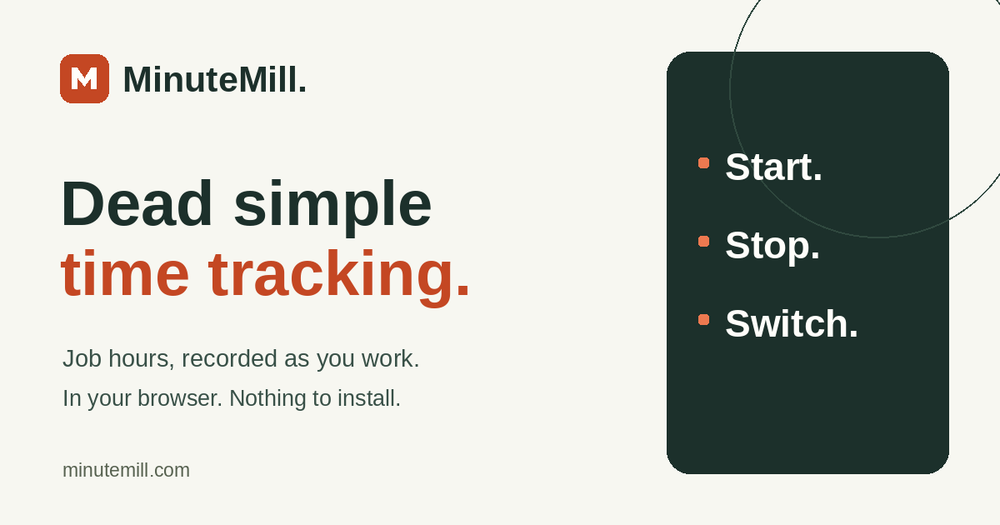
MinuteMill is a browser-based job time tracking tool built specifically for manufacturing teams, construction crews, cleaning teams, and automotive job shops. It replaces traditional paper timesheets with a simple, phone-friendly interface where employees can tap to start, stop, or switch jobs instantly. Nothing needs to be downloaded or installed, making it quick to adopt for teams on the floor or in the field.
Key Features
- Browser-Based Tracking: Works directly in your phone, tablet, or computer's browser without requiring app store downloads.
- Three-Action Routine: Simple start, stop, and switch mechanics that keep employees focused on their work.
- Persistent Timers: Timers continue running on the server even if the phone locks or the page closes.
- Manager Controls: Review recorded labor hours, optional labor costs, export data as CSV, and correct missed entries with a clear audit trail.
- Daily Recaps: Receive a daily email recap highlighting labor hours and employee distribution.
Use Cases
- Manufacturing Shops: Track labor hours against specific assemblies, parts, or manufacturing steps.
- Construction Crews: Monitor time spent on framing, finishing, and distinct project cost codes.
- Cleaning Services: Record time accurately as cleaning teams transition between different commercial or residential sites.
- Automotive Repair Shops: Keep labor hours accurately tied to specific repair tickets and vehicles.
Pricing
- Free Tier: One manager and one employee included for free.
- Active Employees: USD 4.99 per month for each additional active employee.
- Refund Policy: First-month refund available within 30 days of the first charge if it is not the right fit.
FAQ
- Do employees need an email address? No, email addresses are optional. Managers create an invitation, and employees sign in using a shop code and username.
- Does anyone need to install an app? No app installation is required; MinuteMill runs entirely within a standard web browser.
- What happens if a phone locks or the page closes? The timer keeps running on the server. Opening MinuteMill again will show the ongoing elapsed time for the current job.
- Can managers fix missed or incorrect entries? Yes, managers can correct time entries while retaining the original times and adding a reason for the adjustment.
- Can I export my data? Yes, you can export all recorded labor hours as a CSV file at any time.