Overview
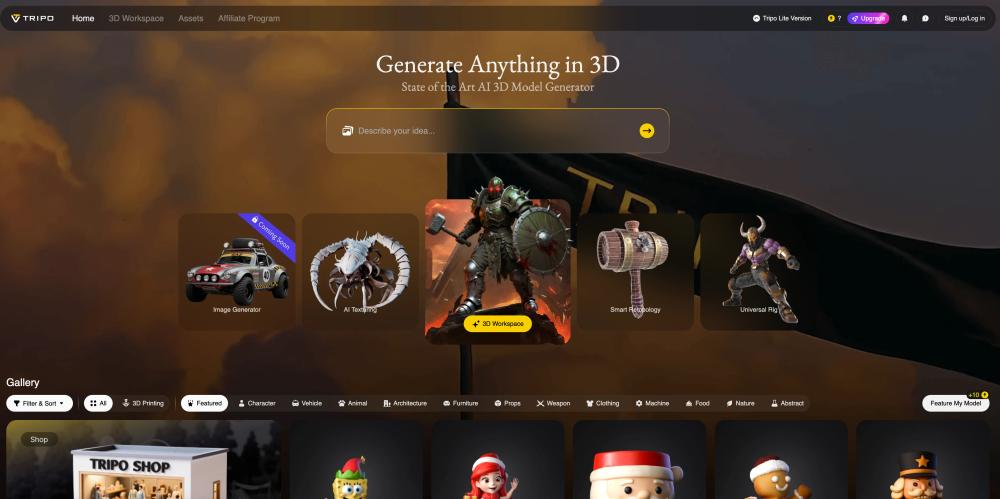
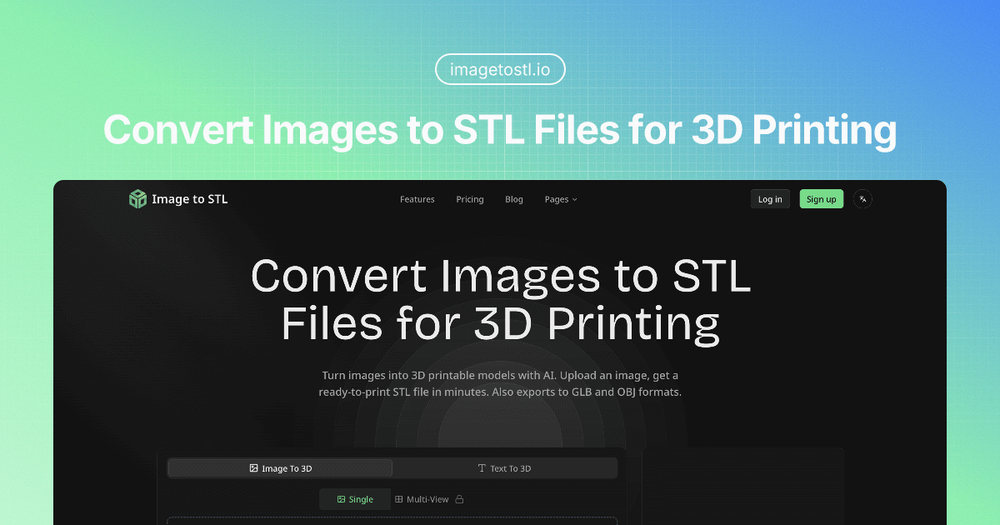
Image to STL is an AI-powered platform designed to bridge the gap between 2D concepts and 3D reality. It allows users to transform standard images, hand-drawn sketches, or even text descriptions into detailed 3D models suitable for 3D printing, game development, and AR/VR applications. The tool leverages advanced AI to generate high-quality meshes with accurate geometry in minutes.
Key Features
- Multiple Input Modes: Convert single images, multi-view photos, sketches, or text prompts into 3D assets.
- High-Quality Meshes: Offers a 'Pro' mode capable of generating models with up to 1,500,000 triangles for professional-grade detail.
- Universal Export Formats: Supports industry-standard formats including STL (for 3D printing), GLB (for web and AR), and OBJ.
- PBR Materials: Generate models with Physically Based Rendering materials for realistic lighting and textures.
- Interactive 3D Viewer: Preview, rotate, and inspect models directly in the browser before downloading.
Use Cases
- 3D Printing: Create printable figurines, prototypes, and custom objects from simple photos.
- Game Development: Generate game-ready assets instantly for engines like Unity and Unreal.
- E-commerce: Build interactive 360° product previews to enhance online shopping experiences.
- Architecture: Visualize building concepts by turning 2D sketches into 3D architectural models.
Pricing
- Free: 15 monthly credits, 1 concurrent task, and CC BY 4.0 license for assets.
- Pro ($16.9/mo): 500 monthly credits, unlimited downloads, and private ownership of assets.
- Max ($26.9/mo): 1000 monthly credits, 3 concurrent tasks, and maximized queue priority.
- Credit Packages: One-time purchases ranging from 200 to 1,000 credits are also available.
FAQ
Q: What formats can I export? A: You can export your generated 3D models in STL, GLB, and OBJ formats.
Q: What is the difference between Standard and Pro mode? A: Standard mode generates models with approximately 80K triangles, while Pro mode supports up to 1,500K triangles for much higher detail.
Q: Can I use the models commercially? A: Models created under the Pro and Max plans are private and customer-owned. Free tier models are under the CC BY 4.0 license.
Q: How long does generation take? A: Most models are generated within a few minutes, depending on the complexity and the current queue priority.
Q: Do credits expire? A: Monthly subscription credits recharge every month, while purchased credit packages typically offer unlimited download windows for the assets created.
Other Page
3d model generator image to 3d model jpg to stl photo to stl picture to stl png to stl 3d viewer fbx viewer glb viewer gltf viewer obj viewer stl viewer